EOB-to-ERA Evaluation Checklist
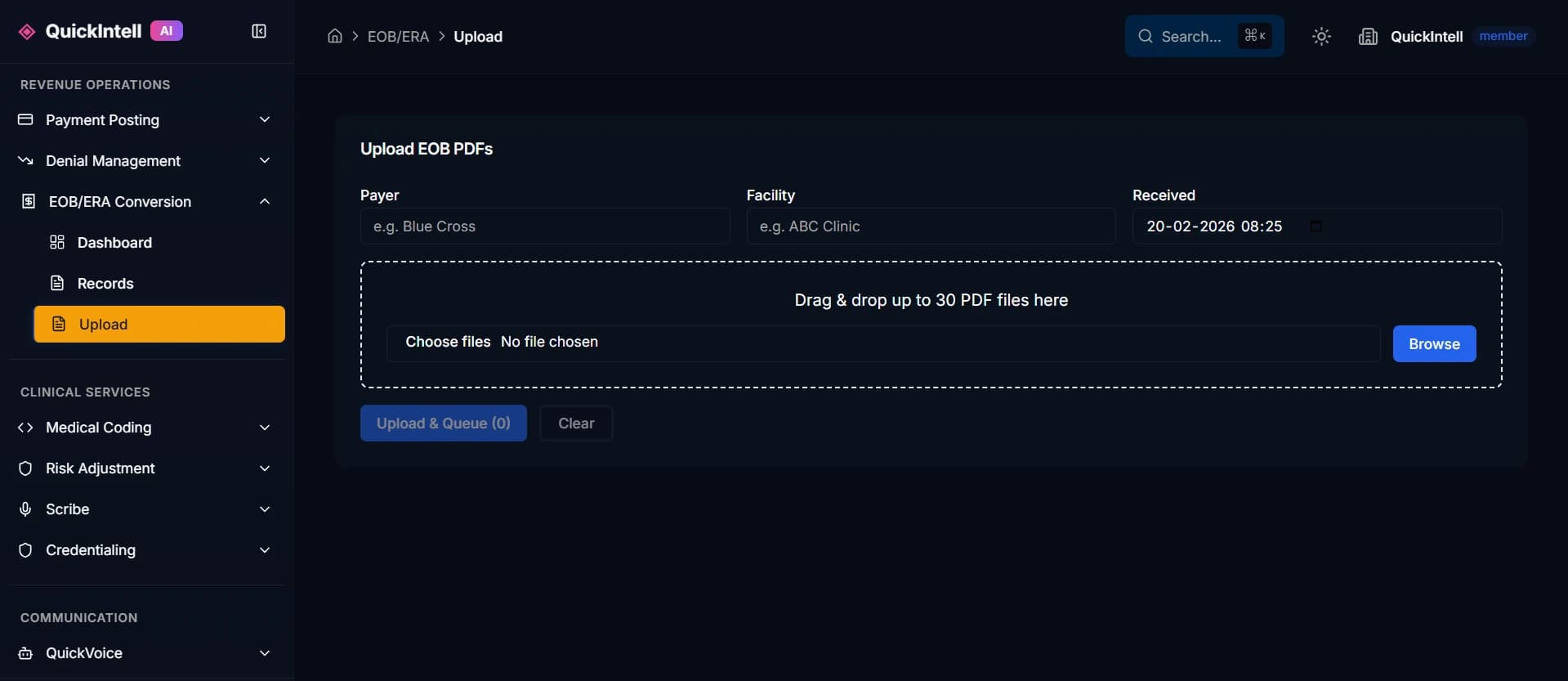
Use this EOB-to-ERA checklist to compare vendors against the same documents, destination requirements, and financial evidence. It is an ungated HTML worksh...
Use this EOB-to-ERA checklist to compare vendors against the same documents, destination requirements, and financial evidence. It is an ungated HTML worksheet: read it here, copy it into your evaluation notes, or use your browser's Print command. No email address or document upload is required to use the checklist.
The boxes are a record of questions to verify, not a statement that QuickIntell or another vendor meets every requirement. For each item, record evidence, owner, status, and unresolved work. A useful status set is demonstrated, needs verification, out of scope, or not applicable.
1. Record the proposed workload
| Planning field | Your evaluation notes |
|---|---|
| Organization and evaluation owner | ______________________________ |
| Facilities or receiving entities included | ______________________________ |
| Source channels and document formats | ______________________________ |
| Approximate monthly pages, documents, and claims | ______________________________ |
| Existing payer or clearinghouse ERA availability | ______________________________ |
| Receiving billing system and accountable owner | ______________________________ |
| Required output and proposed project boundary | ______________________________ |
| Pilot dates and acceptance decision owner | ______________________________ |
Keep pages, documents, files, and claim lines as separate units. They can have different review effort and pricing. Decide whether the scope ends at extraction, 835 generation, delivery, accepted import, or reconciled posting. The OCR versus ERA conversion guide explains the differences.
2. Check source readiness and extraction
- Confirm whether an original electronic ERA is available before reconstructing data from a PDF.
- Include complete documents from the source channels and payer formats in scope.
- Test multi-page claims, repeated headers, faint amounts, cropped fields, and missing continuation pages.
- Inspect payment, adjustment, responsibility, claim, and service-line values beside the source.
- Verify that uncertain values remain visible and require an approved correction.
- Preserve source identity, reviewer changes, and the reason an item was excluded or held.
Use synthetic examples for an initial discussion. Arrange any real remittance sample through the organization's approved process. The PDF EOB-to-835 guide includes a fictional field example you can adapt for a test.
3. Verify output and destination requirements
- Name the exact required output format and receiving-system specifications.
- Record the supported file delivery route, receiving entity, and required identifiers.
- Request separate structural validation and source-to-output financial checks.
- Retain payment, claim, service, and provider-level adjustment context where present.
- Distinguish file delivery from receiver acceptance and actual financial posting.
- Have the receiving-system owner verify resulting ledger entries and balances.
- Keep any unsupported posting operation out of the agreed deliverable until a supported route is verified.
CMS identifies X12 835 5010 for Medicare ERAs in its remittance advice overview. Your receiver's requirements still need explicit confirmation. For Epic environments, bring the Epic workflow requirements guide to the hospital's interface and billing teams.
4. Exercise exceptions and recovery
| Synthetic scenario | Evidence to capture | Status / owner |
|---|---|---|
| Ordinary complete remittance | Source values, validated output, and expected destination result | ______________ |
| Missing claim reference | Held amount, reason, reviewer, and approved resolution | ______________ |
| Same remittance received twice | Earlier record and evidence preventing a second posting | ______________ |
| Missing or unreadable source field | Uncertainty retained without an invented financial value | ______________ |
| Interrupted delivery or acknowledgment | Actual destination state checked before retry | ______________ |
| Corrected remit or reversal | Supported correction process and link to original activity | ______________ |
| Partial batch completion | Completed and unresolved amounts remain separately visible | ______________ |
Use an invented two-claim payment of $800: $500 on DEMO-A and $300 on DEMO-B. Remove the second claim reference to test the unresolved $300, then restore it. Verify that completing DEMO-B does not repeat DEMO-A. The example defines an evaluation exercise, not a performance result or a production file.
5. Confirm financial and operational ownership
- Assign owners for intake, matching, adjustments, destination processing, and reconciliation.
- Record what holds an individual claim, a receiving entity, or an entire batch.
- Separate received, converted, accepted, posted, and reconciled states in reports.
- Compare payment evidence, remittance totals, and destination entries with explained differences.
- Define daily queue review, escalation, cutoff, and aging procedures.
- Require finance and the receiving-system owner to sign off the pilot result.
The hospital workflow guide helps assign cross-team handoffs. The lockbox conversion guide covers payment and image feeds. CMS's payment-remittance reassociation guidance provides background for keeping payment and explanation connected.
6. Compare security, service terms, and cost
- Confirm approved data handling, access roles, transport, retention, deletion, and audit evidence.
- Request applicable security documentation and contractual responsibilities for each participating service.
- Identify any subcontractors and the agreed process for real sample data.
- Compare setup, usage, review, reprocessing, storage, delivery, and support charges on the same workload.
- Define support contacts, incident escalation, export options, and evidence access when the service ends.
- Record accuracy and completion denominators, exclusions, staff review time, and unresolved financial value.
7. Record the release decision
| Decision field | Your evaluation notes |
|---|---|
| Demonstrated source formats and destinations | ______________________________ |
| Accepted test cases and evidence location | ______________________________ |
| Open exceptions and accountable owners | ______________________________ |
| Out-of-scope operations and limitations | ______________________________ |
| Recovery procedure exercised | ______________________________ |
| Finance and destination-owner approval | ______________________________ |
| Decision and next review date | ______________________________ |
Keep the initial rollout within the demonstrated scope. Reassess new document formats, receiving entities, and posting operations before extending the same acceptance decision to them.
Review QuickIntell EOB-to-ERA conversion against the completed worksheet. Request a workflow assessment with your source channels, approximate volume, and receiving system to discuss the evidence needed for your evaluation.
Assess your EOB-to-ERA workflow
Discuss your source formats, monthly volume, receiving billing system, and the evidence needed to evaluate conversion for your organization.
EOB-to-ERA Resources
How to Convert PDF EOBs to 835 Files
A PDF EOB becomes useful for payment posting when its remittance data can be read, checked, converted into the required 835 structure, and accepted by the ...
EOB OCR Versus ERA Conversion: What Output Do You Need?
EOB OCR reads a document. EOB data extraction organizes the values it finds. ERA conversion represents remittance information in an electronic format such ...
Hospital EOB-to-ERA Workflow Planning
A hospital EOB-to-ERA workflow needs an accountable handoff from document intake to the correct billing operation and treasury reconciliation. Conversion a...
EOB-to-ERA Requirements for Epic Workflows
An Epic EOB-to-ERA project needs a customer-approved route for receiving and processing converted remittance data. Begin with the hospital's billing and in...
Healthcare Lockbox and EOB Conversion Handoffs
A healthcare lockbox workflow connects received correspondence and payments with the remittance information needed by billing. EOB conversion turns the rel...
Disclaimer: This content is for informational purposes only and does not constitute medical, legal, or financial advice. Consult qualified professionals for guidance specific to your situation.